eero 6+ Mesh WiFi System vs TP-Link Deco BE63 WiFi 7 Mesh.
WiFi is the most-used amenity filter on Airbnb, and a mesh system is how you make a listed speed true in every bedroom. eero and TP-Link Deco are the two systems hosts actually buy; here is how they differ for a rental.
STRKit Editorial
Updated September 2026
Based on editorial research, expert reviews, and host community feedback. How we choose →
Our verdict
eero 6+ Mesh WiFi System for most Airbnbs · Approx. $150–$230
The eero 6+ is the right call for most rentals: it sets up from a phone in minutes, covers a typical 2 to 3 bedroom home, and its guest network keeps guests off your devices. The TP-Link Deco BE63 is the upgrade for large or multi-story properties where raw coverage and throughput matter more than simplicity.
Disclosure: We may earn a commission when you buy through our links, at no extra cost to you. As an Amazon Associate, STRKit earns from qualifying purchases.
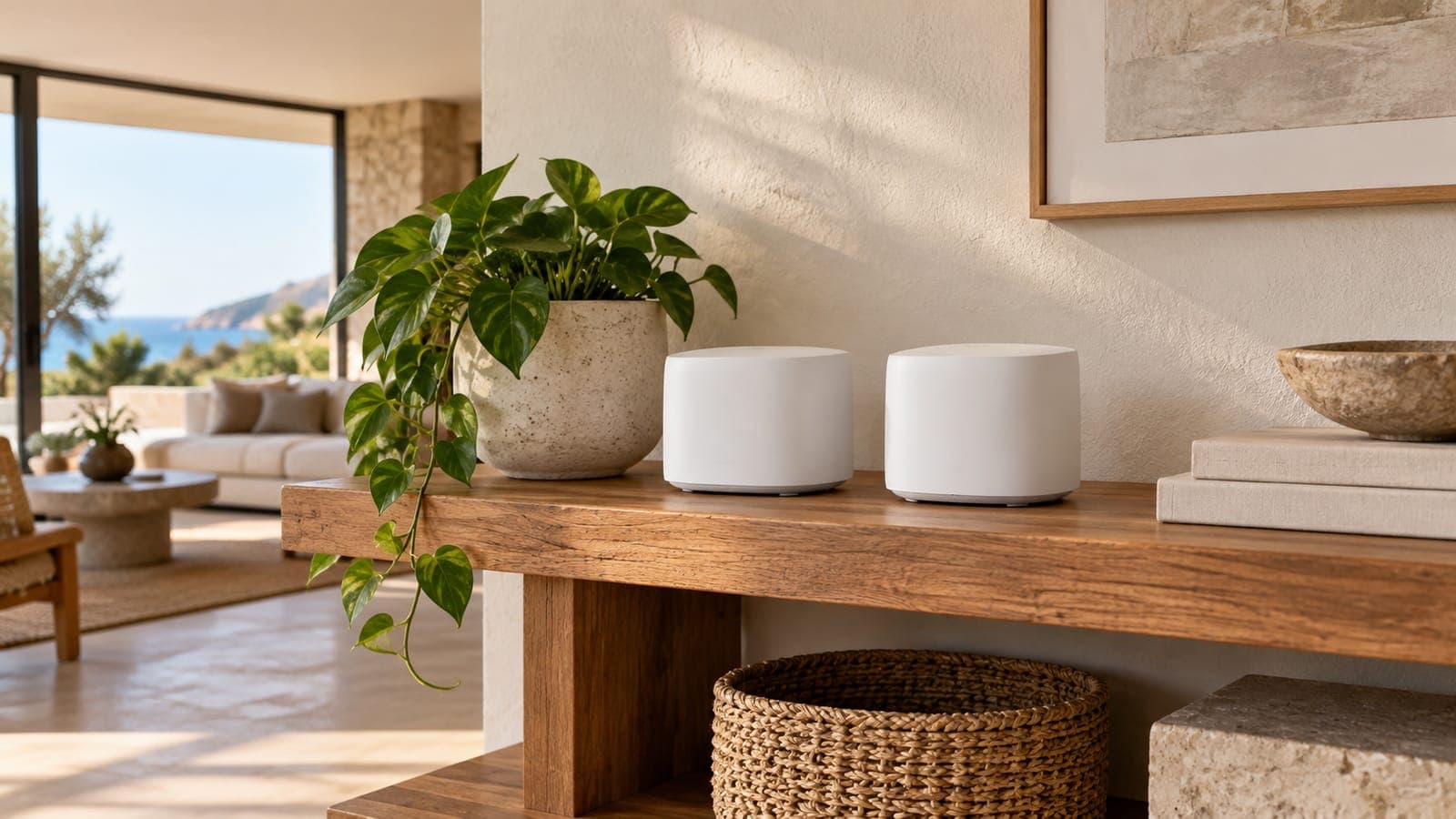
Side by side.
| Product | Price | Best For | Overall | Durability | Value | Guest Delight |
|---|---|---|---|---|---|---|
eero 6+ Mesh WiFi System eero | Approx. $150–$230 | Hosts who value simplicity over power-user features, Properties with smart home devices on the main network | 8.5 | 8.0 | 8.0 | 9.0 |
TP-Link Deco BE63 WiFi 7 Mesh TP-Link | Approx. $300–$400 | Large properties (3,000+ sq ft), Remote-work focused listings | 8.8 | 8.5 | 7.0 | 8.5 |
Which one is right for your listing?
Choose the
eero 6+ Mesh WiFi System if…
- Your property is under roughly 4,500 square feet on one or two floors
- You want a guest network that takes one tap to enable
- You will manage the network remotely from a phone
- You want the lower price and can add a node later if needed
Choose the
TP-Link Deco BE63 WiFi 7 Mesh if…
- You have a large or multi-story home with dead spots
- Many guests stream and work at once and you want the throughput headroom
- You prefer full control over settings and channels
- You are wiring the property with Ethernet backhaul
The full breakdown.
eero 6+ Mesh WiFi System
Easiest Setupeero · Approx. $150–$230 · 1-year limited
Our Verdict
Best guest-friendly WiFi system. Easiest guest network setup of any mesh router — shareable via link or QR code.
Why This Matters for Short-Term Rentals
eero makes guest network management trivially easy. Create an isolated guest network, share it via a link or QR code, and guests connect in seconds. The guest network is isolated from your main network — protecting your smart locks, cameras, and property management devices.
- +Dead-simple guest network creation and sharing
- +Guest network isolated from your devices
- +Share via link or QR code — zero-friction for guests
- +Covers up to 4,500 sq ft with 3-pack
- +Works with Alexa ecosystem
- −Advanced features require eero Plus subscription ($10/mo)
- −Fewer customization options than TP-Link
- −Wi-Fi 6 (not Wi-Fi 7)
Best For
- ✓ Hosts who value simplicity over power-user features
- ✓ Properties with smart home devices on the main network
- ✓ Multi-room properties needing consistent coverage
Avoid If
- ✗ Tech-savvy hosts who want granular router control
Editorial Score
8.5/10
Budget Horizon
4 years
Planning estimate; inspect condition
Warranty
1-year limited
As an Amazon Associate, STRKit earns from qualifying purchases. This comes at no additional cost to you.
TP-Link Deco BE63 WiFi 7 Mesh
Best PerformanceTP-Link · Approx. $300–$400 · 2-year limited
Our Verdict
Best performance WiFi for demanding properties. WiFi 7 future-proofing with the fastest speeds available.
Why This Matters for Short-Term Rentals
For properties with many simultaneous devices — streaming on multiple TVs, remote workers on video calls, smart home devices — the Deco BE63 handles it all with WiFi 7 speeds. Guest network support and TP-Link's Deco app make management straightforward.
- +WiFi 7 — fastest available consumer speeds
- +Handles 200+ simultaneous devices
- +Tri-band for reduced congestion
- +Up to 6,500 sq ft coverage
- +Guest network support
- −Premium price — $300+ for 2-pack
- −Overkill for small properties
- −WiFi 7 devices still emerging
Best For
- ✓ Large properties (3,000+ sq ft)
- ✓ Remote-work focused listings
- ✓ Properties with 10+ smart devices
Avoid If
- ✗ Small apartments — eero is simpler and cheaper
- ✗ Budget listings
Editorial Score
8.8/10
Budget Horizon
5 years
Planning estimate; inspect condition
Warranty
2-year limited
As an Amazon Associate, STRKit earns from qualifying purchases. This comes at no additional cost to you.
Complete the WiFi setup.
The rest of what this room needs, at the tier we recommend. Worth adding to the same order.
Minut M3 Sensor
$150–$200
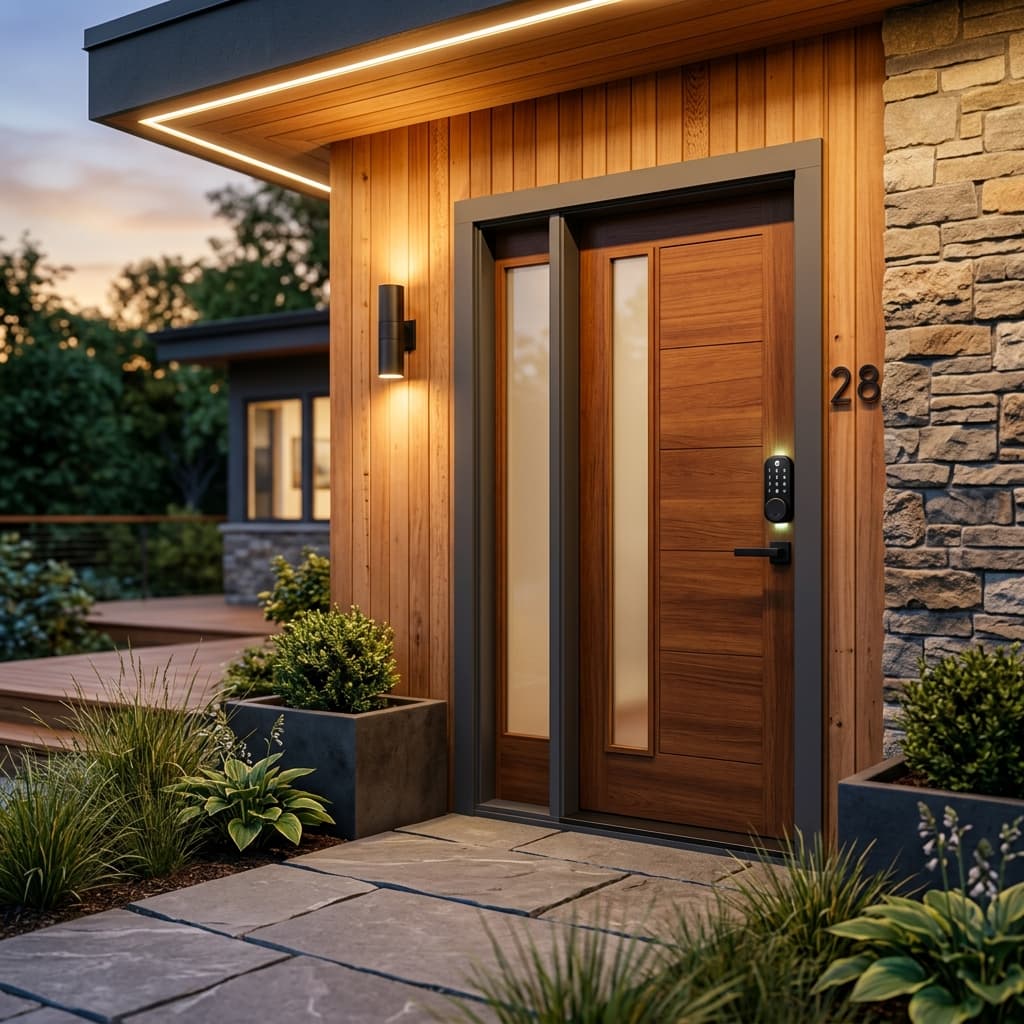
Yale Assure Lock 2
$200–$280
Roku Streaming Stick 4K
Approx. $40–$60
IKEA EKTORP 3-Seat Slipcovered Sofa
$650–$900
Setting up the whole listing? The Airbnb starter kit covers every room, and the stocking checklist lists every staple with one pick each.
Common questions.
What WiFi speed should an Airbnb list?
List the speed a guest will actually measure in the bedrooms, not the plan speed at the router. A mesh system is what closes that gap; most rentals are comfortable at 100 Mbps or more measured in the farthest room.
Should guests use a separate network?
Yes. A guest network isolates guest devices from anything you own on the property, such as cameras or smart locks, and lets you change the guest password without touching your own gear.
Do I need Ethernet between mesh nodes?
Not for a typical rental. Wireless backhaul is fine for most homes; wired backhaul is worth it only for large properties where you are already running cable.