Best WiFi for Airbnb.
Fast, reliable WiFi is one of the most searched-for amenities on Airbnb. Guests expect it to work immediately, and remote workers depend on it. A good mesh system covers your entire property and gives guests their own isolated network — protecting your smart home devices while delivering seamless connectivity.
STRKit Editorial
Updated September 2026
Based on editorial research, expert reviews, and host community feedback. How we choose →
Our top pick
eero 6+ Mesh WiFi System · Approx. $150–$230
Best guest-friendly WiFi system. Easiest guest network setup of any mesh router — shareable via link or QR code.
Read the full reviewTorn between the top two? Read the head-to-head: eero vs TP-Link Deco →
Disclosure: We may earn a commission when you buy through our links, at no extra cost to you. As an Amazon Associate, STRKit earns from qualifying purchases.
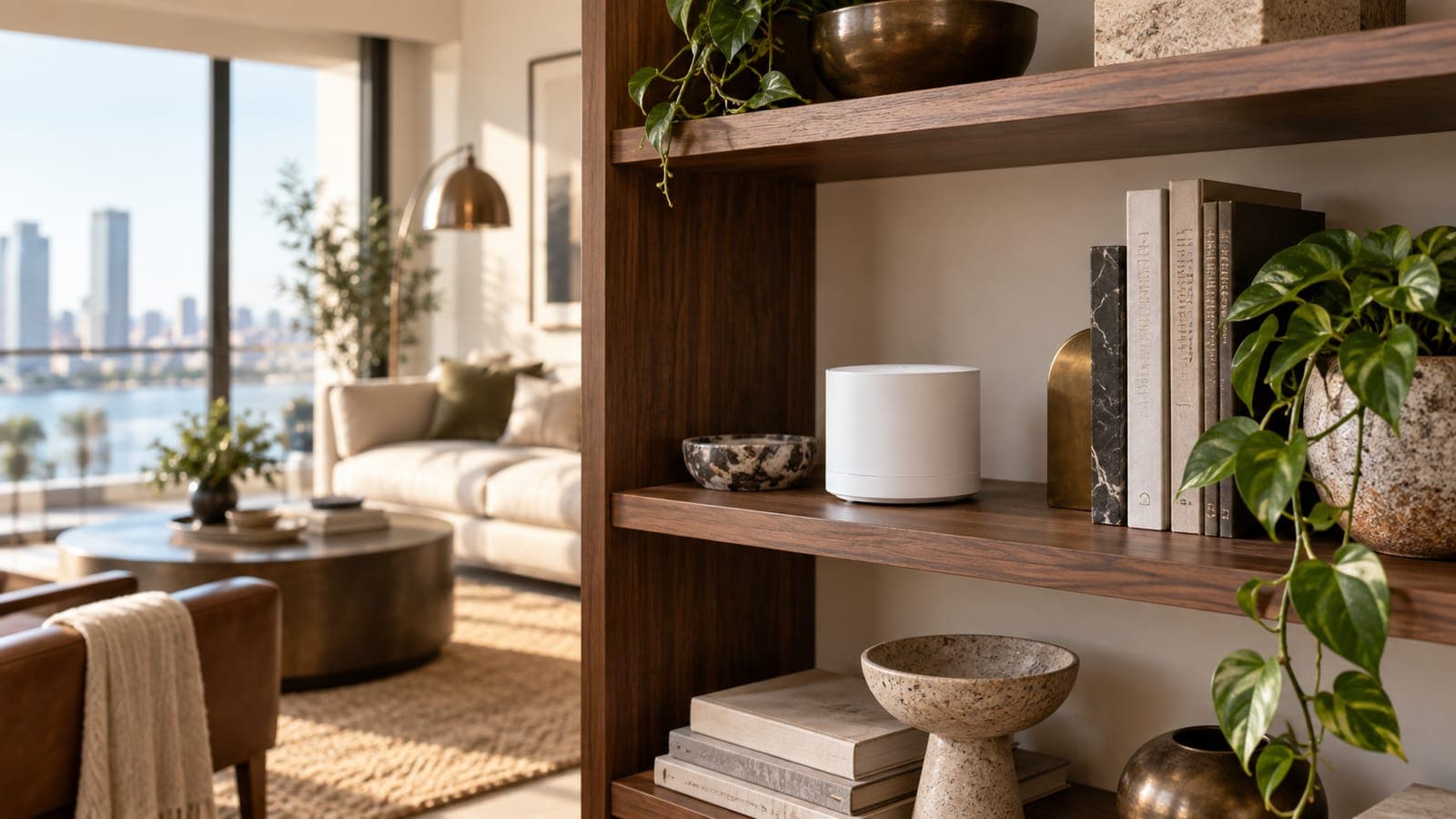
Our top picks
eero 6+ Mesh WiFi System
eero · Approx. $150–$230
Best guest-friendly WiFi system. Easiest guest network setup of any mesh router — shareable via link or QR code.
TP-Link Deco BE63 WiFi 7 Mesh
TP-Link · Approx. $300–$400
Best performance WiFi for demanding properties. WiFi 7 future-proofing with the fastest speeds available.
Why WiFi is a make-or-break amenity for STR hosts.
Airbnb explicitly highlights fast, reliable internet as one of the amenities guests most frequently search for — and even offers in-app speed testing so guests can verify your listed speeds. If your WiFi underperforms, it shows up in reviews.
For remote-work listings — one of the fastest-growing Airbnb categories — WiFi isn't a nice-to-have, it's the core amenity. Airbnb's own remote-work guidance calls out a dedicated workspace and fast, reliable internet as the two essentials.
A mesh WiFi system solves the two biggest problems: dead zones in larger properties, and security. A guest network keeps visitors isolated from your smart locks, cameras, and property management devices — while still delivering full-speed internet.
Side-by-side comparison.
| Product | Price | Best For | Overall | Durability | Value | Guest Delight |
|---|---|---|---|---|---|---|
eero 6+ Mesh WiFi System eero | Approx. $150–$230 | Hosts who value simplicity over power-user features, Properties with smart home devices on the main network | 8.5 | 8.0 | 8.0 | 9.0 |
TP-Link Deco BE63 WiFi 7 Mesh TP-Link | Approx. $300–$400 | Large properties (3,000+ sq ft), Remote-work focused listings | 8.8 | 8.5 | 7.0 | 8.5 |
Detailed reviews.
eero 6+ Mesh WiFi System
Easiest Setupeero · Approx. $150–$230 · 1-year limited
Our Verdict
Best guest-friendly WiFi system. Easiest guest network setup of any mesh router — shareable via link or QR code.
Why This Matters for Short-Term Rentals
eero makes guest network management trivially easy. Create an isolated guest network, share it via a link or QR code, and guests connect in seconds. The guest network is isolated from your main network — protecting your smart locks, cameras, and property management devices.
- +Dead-simple guest network creation and sharing
- +Guest network isolated from your devices
- +Share via link or QR code — zero-friction for guests
- +Covers up to 4,500 sq ft with 3-pack
- +Works with Alexa ecosystem
- −Advanced features require eero Plus subscription ($10/mo)
- −Fewer customization options than TP-Link
- −Wi-Fi 6 (not Wi-Fi 7)
Best For
- ✓ Hosts who value simplicity over power-user features
- ✓ Properties with smart home devices on the main network
- ✓ Multi-room properties needing consistent coverage
Avoid If
- ✗ Tech-savvy hosts who want granular router control
Editorial Score
8.5/10
Budget Horizon
4 years
Planning estimate; inspect condition
Warranty
1-year limited
As an Amazon Associate, STRKit earns from qualifying purchases. This comes at no additional cost to you.
TP-Link Deco BE63 WiFi 7 Mesh
Best PerformanceTP-Link · Approx. $300–$400 · 2-year limited
Our Verdict
Best performance WiFi for demanding properties. WiFi 7 future-proofing with the fastest speeds available.
Why This Matters for Short-Term Rentals
For properties with many simultaneous devices — streaming on multiple TVs, remote workers on video calls, smart home devices — the Deco BE63 handles it all with WiFi 7 speeds. Guest network support and TP-Link's Deco app make management straightforward.
- +WiFi 7 — fastest available consumer speeds
- +Handles 200+ simultaneous devices
- +Tri-band for reduced congestion
- +Up to 6,500 sq ft coverage
- +Guest network support
- −Premium price — $300+ for 2-pack
- −Overkill for small properties
- −WiFi 7 devices still emerging
Best For
- ✓ Large properties (3,000+ sq ft)
- ✓ Remote-work focused listings
- ✓ Properties with 10+ smart devices
Avoid If
- ✗ Small apartments — eero is simpler and cheaper
- ✗ Budget listings
Editorial Score
8.8/10
Budget Horizon
5 years
Planning estimate; inspect condition
Warranty
2-year limited
As an Amazon Associate, STRKit earns from qualifying purchases. This comes at no additional cost to you.
Guest WiFi setup checklist.
Create a dedicated guest network
Use your router's app to set up an isolated guest network. This keeps guests off your main network where smart locks, cameras, and property management devices live.
Use a simple, memorable network name
Name it something obvious like "PropertyName-Guest" or "Welcome-WiFi." Avoid long strings of numbers. Include the password in your house manual and on a printed card near the router.
Generate a QR code for instant connection
eero and most modern routers let you share a connection link or QR code. Print it, frame it, and place it on the nightstand or near the TV. Guests scan and connect in seconds — zero typing.
Test speeds and include them in your listing
Run Airbnb's in-app speed test or use Speedtest.net. Include the results in your listing description. Guests — especially remote workers — filter by WiFi speed.
Position routers for full coverage
Place mesh nodes centrally and elevated. For a 3-bedroom property, a 3-pack mesh system typically covers all rooms. Test from every bedroom, the living area, and any outdoor spaces you advertise.
Set up a restart routine
Power-cycle your router between guest stays as part of your turnover checklist. This clears temporary connections and keeps performance consistent. Most mesh systems also support remote restart from the app.
Complete the setup.
The rest of what this room needs, at the tier we recommend. Worth adding to the same order.
Minut M3 Sensor
$150–$200
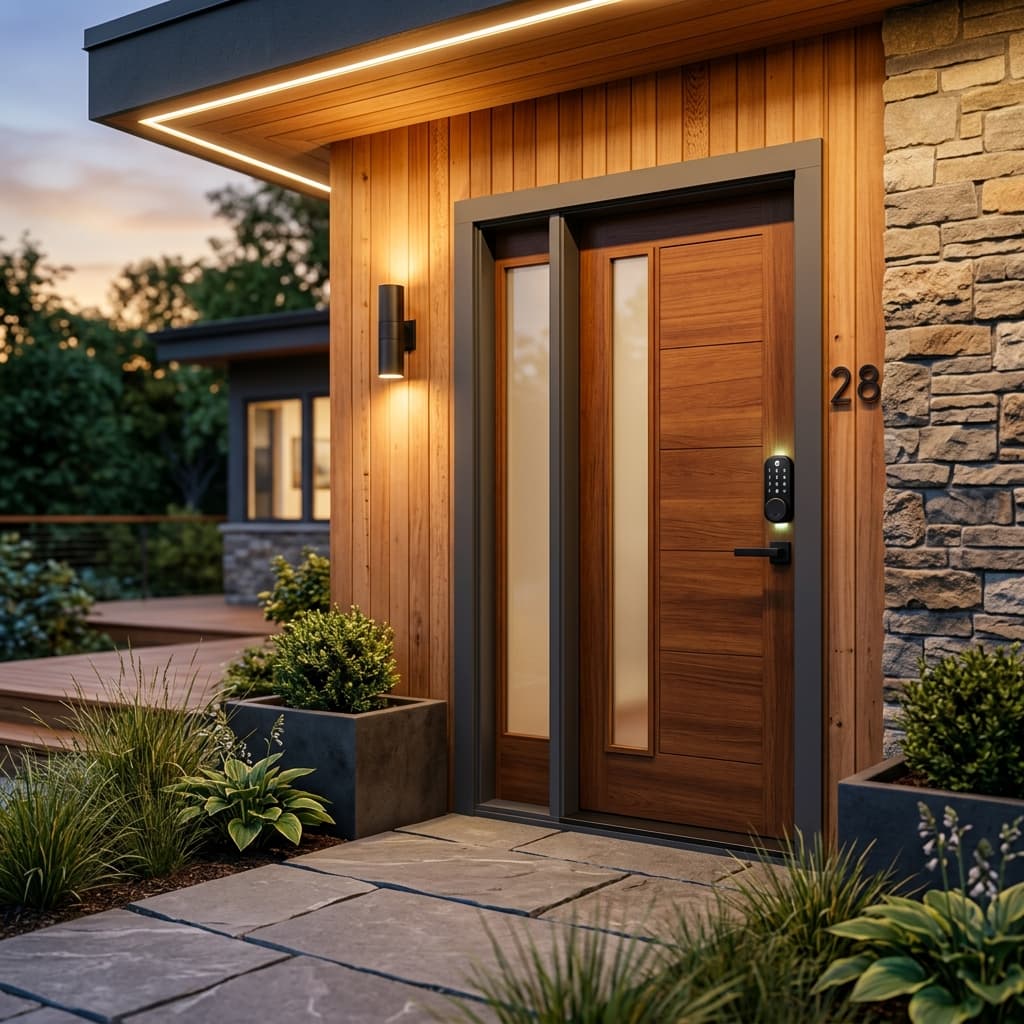
Yale Assure Lock 2
$200–$280
Roku Streaming Stick 4K
Approx. $40–$60
IKEA EKTORP 3-Seat Slipcovered Sofa
$650–$900
Setting up the whole listing? The Airbnb starter kit covers every room, and the stocking checklist lists every staple with one pick each.