Best TV for Airbnb.
A rental TV has three jobs: let guests stream with their own logins, sign them out when they leave, and survive being in a room with strangers and luggage. That points to one platform and one installation: a Roku TV sized to the room, on the wall. We scored these on guest sign-out, the right size for the seating distance, durability, and price. The setup itself is in our Roku Guest Mode guide.
STRKit Editorial
Updated September 2026
Based on editorial research, expert reviews, and host community feedback. How we choose →
Our top pick
TCL 50-inch 4K Roku TV · Approx. $250–$350
A Roku TV puts Guest Mode in the TV itself: one remote, one input, nothing for a guest to figure out.
Read the full reviewDisclosure: We may earn a commission when you buy through our links, at no extra cost to you. As an Amazon Associate, STRKit earns from qualifying purchases.
What to check before you buy.
Roku, for Guest Mode
The only mainstream platform that signs guests out automatically at checkout. Fire TV and Google TV make you do it by hand at every turnover.
Size by seating distance
Under 8 feet from the sofa: 43 to 50 inches. 8 to 12 feet: 55. Over 12: 65. Bedrooms: 32 to 43. Bigger does not raise the rate; it just looks like a bar.
Mount it
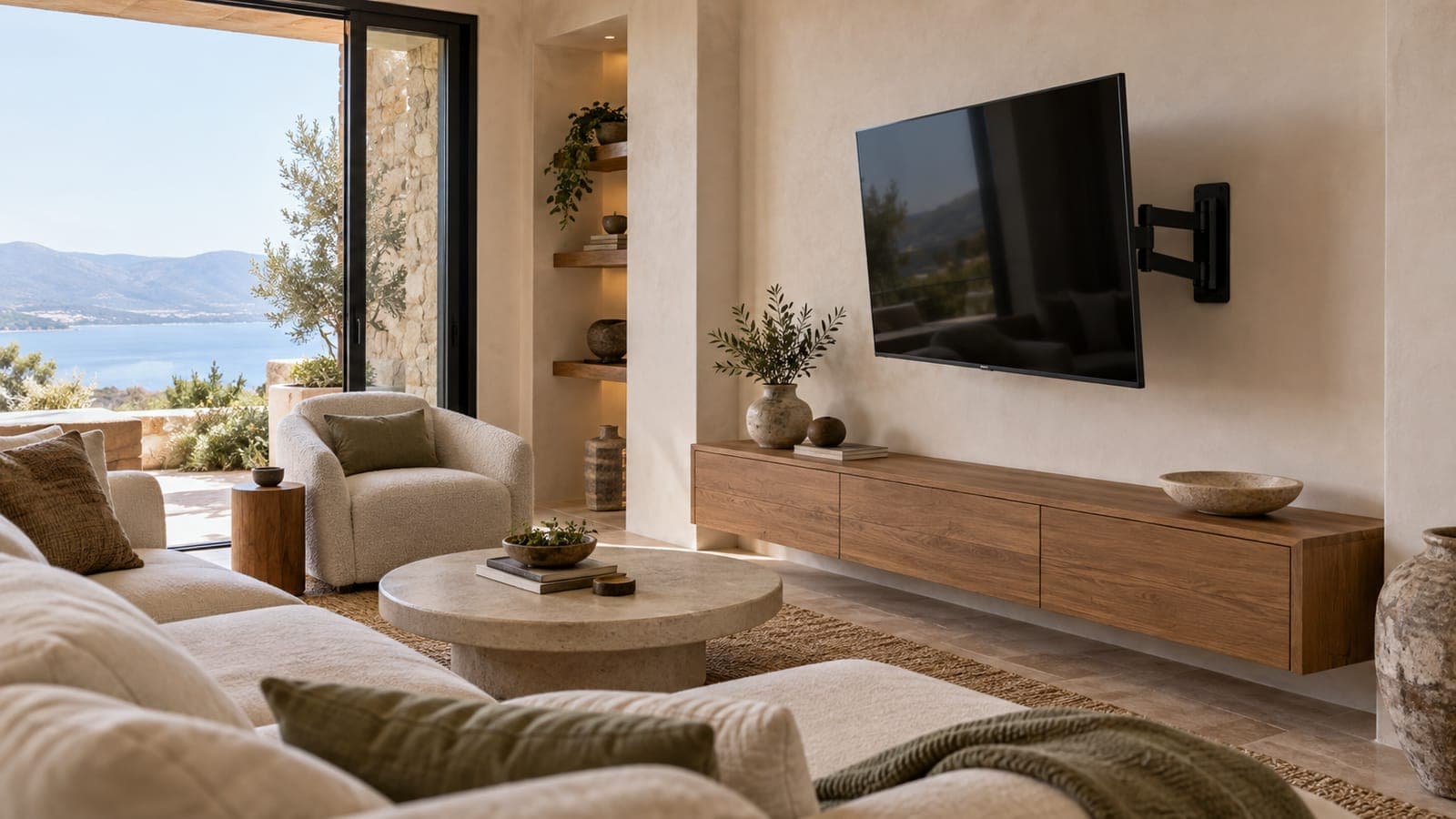
Off the console, out of the path of suitcases and children, cables behind a cover. A full-motion arm lets guests angle it from anywhere.
Three HDMI ports minimum
A soundbar, a guest console, and a spare. Fewer and you are unplugging things for guests.
Same model in every room
One remote guests learn once, one set of instructions in the house manual, and one spare remote in the drawer.
Skip the premium panel
Guests do not notice OLED. They notice a TV that will not connect. Spend the difference on WiFi.
Side by side.
| Product | Price | Best For | Overall | Durability | Value | Guest Delight |
|---|---|---|---|---|---|---|
TCL 50-inch 4K Roku TV TCL | Approx. $250–$350 | Living rooms in standard listings, Hosts replacing an older TV | 8.6 | 8.0 | 9.0 | 8.5 |
Hisense 55" 4K Roku TV Hisense | Approx. $280–$400 | Living rooms in 2- and 3-bedroom listings, Hosts standardizing on Roku across properties | 8.5 | 8.0 | 9.0 | 8.5 |
Mounting Dream Full Motion TV Wall Mount (42–75") Mounting Dream | Approx. $40–$70 | Living rooms where seating is off-axis from the TV, Bedrooms with a TV across from the bed | 8.8 | 9.0 | 9.5 | 8.0 |
Roku Streaming Stick 4K Roku | Approx. $40–$60 | Any TV that is not already a Roku TV, Hosts who want one streaming setup across properties | 9.0 | 8.5 | 9.5 | 9.0 |
Detailed reviews.
TCL 50-inch 4K Roku TV
Best TVTCL · Approx. $250–$350 · 1-year limited
Our Verdict
A Roku TV puts Guest Mode in the TV itself: one remote, one input, nothing for a guest to figure out.
Why This Matters for Short-Term Rentals
The fewer inputs and remotes a rental TV has, the fewer "how do I turn on the TV" messages you get. A Roku TV boots straight into the streaming home screen with Guest Mode built in, and 50 inches is the size that reads as generous in a listing photo without dominating a living room.
- +Guest Mode built in, no stick or second remote
- +Boots to the streaming home screen
- +Right size for most rental living rooms
- +Value pricing for 4K
- −Picture quality is good, not premium
- −Built-in speakers are thin; fine for a rental
Best For
- ✓ Living rooms in standard listings
- ✓ Hosts replacing an older TV
Avoid If
- ✗ Luxury listings where a premium OLED is part of the brand
Editorial Score
8.6/10
Budget Horizon
5 years
Planning estimate; inspect condition
Warranty
1-year limited
As an Amazon Associate, STRKit earns from qualifying purchases. This comes at no additional cost to you.
Hisense 55" 4K Roku TV
Best for Large RoomsHisense · Approx. $280–$400 · 1-year limited
Our Verdict
Best TV for a larger living room. Roku built in, so Guest Mode signs guests out at checkout, at a 55-inch size that fills a family-room wall without looking like a sports bar.
Why This Matters for Short-Term Rentals
Once you commit to Roku for Guest Mode, the only decisions left are size and price. Hisense makes the value 55-inch Roku set: 4K, three HDMI ports, and a simple remote guests already know. Bigger than 55 inches only makes sense when the sofa is more than ten feet from the wall.
- +Roku Guest Mode built in, nothing to add
- +Right size for a living room with seating 8 to 12 feet away
- +Three HDMI inputs for a soundbar or console
- +Consistently among the cheapest 55-inch 4K sets
- −Picture is fine, not premium; guests do not notice
- −Thin built-in speakers; a soundbar helps in big rooms
- −Stand feet are wide; measure the console or wall-mount it
Best For
- ✓ Living rooms in 2- and 3-bedroom listings
- ✓ Hosts standardizing on Roku across properties
Avoid If
- ✗ The room is small; the 50-inch TCL is enough
- ✗ You want a premium panel for a luxury listing
Editorial Score
8.5/10
Budget Horizon
6 years
Planning estimate; inspect condition
Warranty
1-year limited
As an Amazon Associate, STRKit earns from qualifying purchases. This comes at no additional cost to you.
Mounting Dream Full Motion TV Wall Mount (42–75")
Best MountMounting Dream · Approx. $40–$70 · 10-year limited
Our Verdict
Best TV mount for rentals. A full-motion arm lets guests angle the screen from the sofa or the bed, and getting the TV off the console removes the most common way a rental TV dies.
Why This Matters for Short-Term Rentals
A TV on a stand gets knocked, its cables get yanked, and the console fills with guest clutter. On the wall it is safe, the cables run behind a cover, and the room photographs cleaner. Full-motion matters more in rentals than at home because you do not know where the guest will sit. Mounting Dream includes the hardware for most stud spacings and a level, and it holds up to 100 lb.
- +Swivels so guests can watch from anywhere in the room
- +Includes bubble level and most hardware
- +Fits standard 16-inch stud spacing
- +Sits nearly flush when pushed back
- −Needs two people and a stud finder to install
- −Full-motion arms can be over-extended by guests; add a note in the manual
- −Not for drywall without studs
Best For
- ✓ Living rooms where seating is off-axis from the TV
- ✓ Bedrooms with a TV across from the bed
- ✓ Any TV a guest could knock off a console
Avoid If
- ✗ The wall is plaster or masonry without a proper anchor plan
- ✗ The TV is over 75 inches or 100 lb
Editorial Score
8.8/10
Budget Horizon
10 years
Planning estimate; inspect condition
Warranty
10-year limited
As an Amazon Associate, STRKit earns from qualifying purchases. This comes at no additional cost to you.
Roku Streaming Stick 4K
Best for RentalsRoku · Approx. $40–$60 · 1-year limited
Our Verdict
The streaming device for rentals because of one feature: Guest Mode, which signs guests out of their own accounts automatically at checkout.
Why This Matters for Short-Term Rentals
Guests bring their own logins and forget to sign out. Roku Guest Mode asks for a checkout date and clears the guest session at 11 a.m. on the selected date, which helps protect guest privacy. The cleaner should still verify the welcome screen after every stay. It also turns any TV with an HDMI port into a rental-ready smart TV.
- +Guest Mode auto-signs guests out at checkout
- +Works with any TV with HDMI
- +Simple remote guests already understand
- +Inexpensive enough to keep a spare
- −Needs its own power via USB or outlet
- −Voice remote adds cost for no rental benefit
Best For
- ✓ Any TV that is not already a Roku TV
- ✓ Hosts who want one streaming setup across properties
Avoid If
- ✗ The TV is already a Roku TV; Guest Mode is built in
Editorial Score
9.0/10
Budget Horizon
4 years
Planning estimate; inspect condition
Warranty
1-year limited
As an Amazon Associate, STRKit earns from qualifying purchases. This comes at no additional cost to you.
The install, in five lines.
- Find two studs at the height where the center of the screen sits at seated eye level, roughly 42 inches from the floor.
- Mount the bracket into the studs, not the drywall, with the included lag bolts.
- Run power and HDMI through a paintable cable raceway or an in-wall kit.
- Hang the TV, set up Roku, and turn on Guest Mode before the first booking.
- Add one line to the house manual: how to sign in, that sign-out is automatic, and not to pull the arm past the wall bracket.
Complete the living room.
The rest of what this room needs, at the tier we recommend. Worth adding to the same order.
Helix Midnight Luxe
$1,400–$2,400
Minut M3 Sensor
$150–$200
SafeRest Premium Cotton Waterproof Mattress Protector
Approx. $25–$45 by size
Yale Assure Lock 2
$200–$280
Setting up the whole listing? The Airbnb starter kit covers every room, and the stocking checklist lists every staple with one pick each.
Frequently asked questions.
What size TV should I put in an Airbnb?
Measure the distance from the main seat to the wall. Under 8 feet, a 43 to 50 inch set. Eight to 12 feet, 55 inches. Over 12 feet, 65 inches. Bedrooms get 32 to 43 inches. Bigger than the room needs looks like a sports bar in the photo and does not raise the nightly rate.
Do I need a smart TV for an Airbnb?
You need a TV guests can stream on and that signs them out afterwards. A Roku TV does both out of the box with Guest Mode. If you already own a TV, a $40 Roku Streaming Stick adds the same feature to any HDMI port, which is cheaper than replacing the set.
Should I wall-mount the TV in a rental?
Yes. A mounted TV cannot be knocked off the console by a suitcase or a child, the cables run behind a cover, and the room photographs cleaner. Use a full-motion mount so guests can angle the screen from wherever they sit, and note in the house manual not to over-extend the arm.
Do I need cable or satellite in an Airbnb?
No. Guests bring their own streaming logins and expect to use them. Provide fast WiFi, a Roku with Guest Mode, and a note in the manual that they will be signed out automatically at checkout. Live sports fans can use their own streaming service.
How do I stop guests staying logged in to my TV?
Roku Guest Mode. It asks the guest for a checkout date when they sign in and wipes every account on that date. Set it up once from the Roku settings; our TV setup guide walks through it step by step.